Instagram DM auto-reply: how to answer incoming messages automatically
Contents
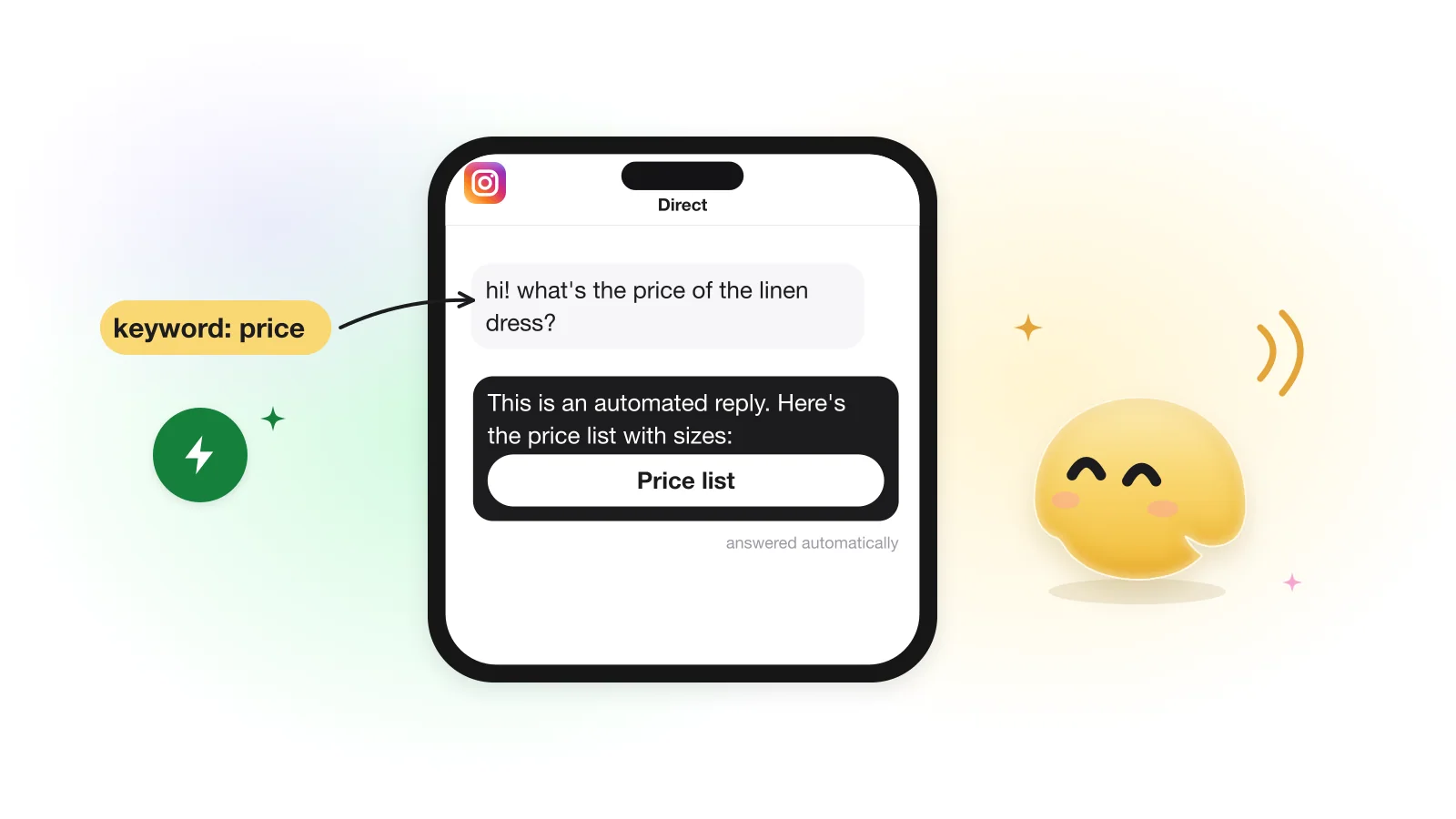
You can auto-reply to Instagram DMs in two ways. Meta's built-in tools cover the basics: saved replies you send by hand, up to four FAQ prompts, and instant replies, away messages and keyword replies in Meta Business Suite. An automation tool on Meta's official API replies on its own: to a first message, to a keyword like price, or to a story reply. Because the person wrote first, you can send links, photos and videos for 24 hours.
This guide is about messages people send you. For the DM someone gets after commenting on a post, see how to DM everyone who comments; for choosing trigger words, see keyword automation.
Instagram's built-in options vs an automation tool
Ways to answer Instagram DMs automatically (Meta's features as its help pages describe them on October 20, 2026)
| Option | What it does | Who sends | Where |
|---|---|---|---|
| Saved replies | Stores a message you insert with a keyboard shortcut | You, by hand | Instagram app |
| Frequently asked questions | Up to four questions shown when people start a chat; each can have an automated answer | Instagram, when a question is tapped | Instagram app |
| Instant reply, away message | A greeting for someone's first message; a reply while you're away | Meta, automatically | Meta Business Suite |
| Custom keywords | Up to 5 keywords per reply; case-sensitive, exact match; sent after 15 minutes unless you answer first; desktop only | Meta, automatically | Meta Business Suite |
| An automation tool | Keyword, any-message, first-message, story and reaction triggers; buttons, links, media, a follow check, a contact list | The tool, as soon as the message arrives | The tool's web app |
If all you need is a greeting and an away message, Meta's free tools do it. An automation tool earns its place when you want matching that ignores letter case and finds the word inside a sentence, a link sent right away rather than after 15 minutes, a follow check before a reward, story triggers, one automation for comments and DMs, or a list of the people who wrote.
Why DMs are easier to automate than comments
When someone writes to you, Meta's 24-hour messaging window is already open (Messaging API). There is no one-message limit as with a private reply to a comment, so the first answer can include photos, videos or files (images up to 8 MB; audio, video and PDF up to 25 MB), and the conversation can continue with several messages.
The flip side: once 24 hours pass without a new message from them, automation has to stop until they write again. The full set of windows and limits is in Meta's rules for automated DMs.
The DM triggers, and how often each one fires
Triggers for incoming messages in GetChat (labels as in the app; behaviour from the code, October 2026)
| Trigger | Fires on | How often for one person |
|---|---|---|
| Direct — keyword | A DM that contains one of your words, or equals it with Exact match on. Letter case doesn't matter | Every matching message, unless Only once is on |
| Any message (DM) | Any DM | Once per automation |
| First message from a new contact | The first message from someone writing to you for the first time since you connected GetChat. Not a follow: Instagram doesn't report follows | Once |
| Story reply | A reply to one story you choose, or to any story | Every reply, unless Only once is on |
| Story mention | Someone mentions you in their story | Every mention, unless Only once is on |
| Message reaction | An emoji reaction to a message | Every reaction, unless Only once is on |
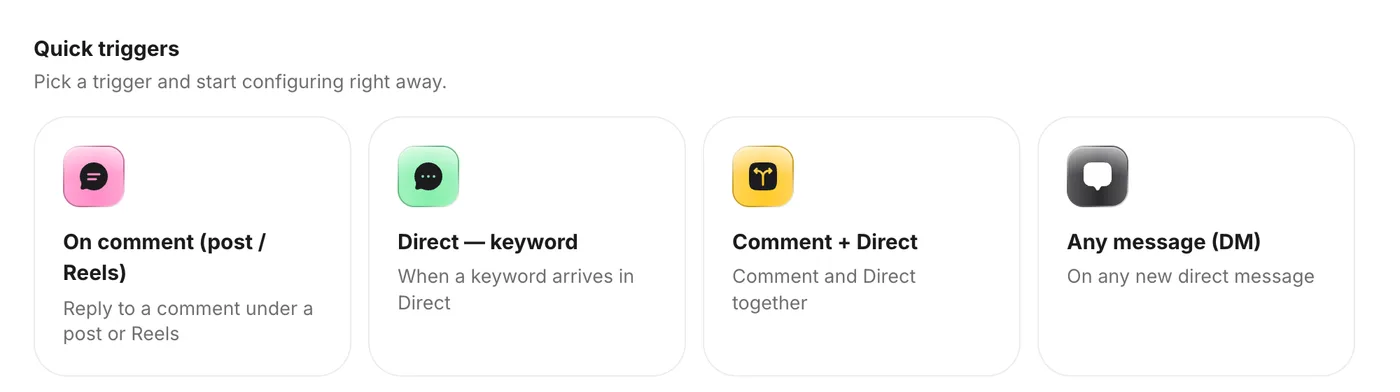
A reply to your story starts the Story reply trigger, not a DM keyword or Any message, even when it contains your keyword. So if you ask people to "reply GUIDE to this story", build the automation on Story reply.
When several automations match one message
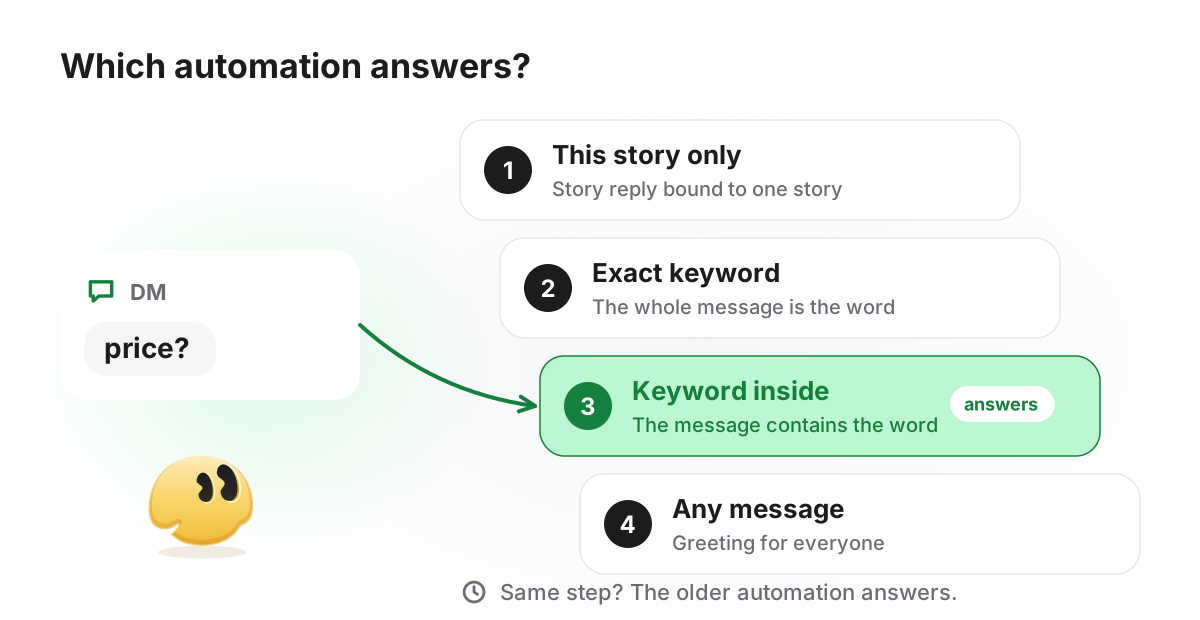
One incoming message runs one automation. GetChat picks the most specific: an automation for this particular story beats one for any story, a keyword trigger beats Any message, Exact match beats contains, and between equals the older automation answers. So if someone's very first message is "price", they get your price automation, not the greeting.
Four workflows to copy
The texts below are illustrative; adapt them to your business. Each one starts with a line saying the reply is automated, which Meta recommends and some jurisdictions require.
Four DM auto-replies (illustrative)
| Who | Trigger | Reply |
|---|---|---|
| A bakery | Any message (DM) | Greeting, today's menu and an order link; "we read every message and answer by hand between 9 and 6" |
| A clothing shop | Direct — keyword: price, cost | A photo of the price list and a button to the catalog |
| A beauty salon | Direct — keyword: book, appointment | A booking link button and the address |
| A coach or creator | Story reply on the story that says "reply GUIDE" | The guide link, optionally after a follow check |
- DMCustomer: hi, what's the price of the linen dress?
- DMAutomatic reply: Hi! This is an automated reply. Here's our price list with sizes 👇 Want to see it on the site? [Photo: price list] [Button: "Open the catalog"]
- DMCustomer: thanks, do you deliver on Saturday?
- DMYou, by hand: Yes, Saturday 10 to 4. Shall I reserve your size?
The second question had no keyword, so nothing automatic happened and the conversation waited for a person, which is usually right. In GetChat a flow moves on only when someone taps a button; a typed message is either matched by another automation or left for you in Instagram.
What a DM auto-reply cannot do
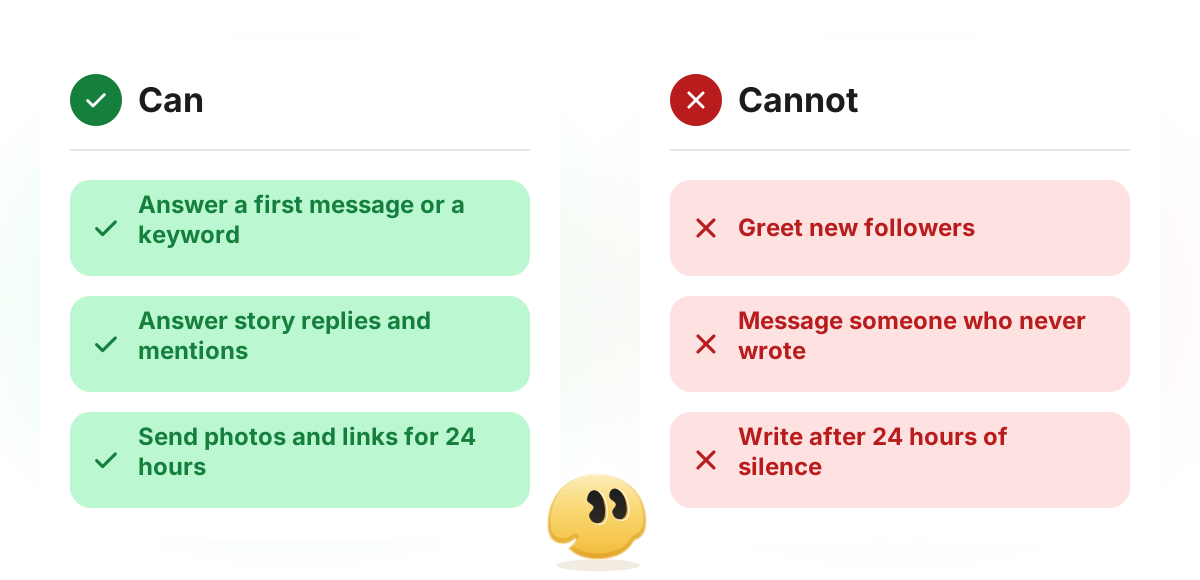
- Greet new followers. Instagram doesn't tell tools when someone follows you. They get your greeting only when they write first (why).
- Message people who never wrote. A business can't start a conversation through the API (Messaging API).
- Write again after 24 hours of silence. The next automated message has to wait for their next message.
- Continue a flow on a typed answer. Taps move a GetChat flow forward; typed answers wait for you unless they match another automation.
- Think for you. GetChat sends the texts you wrote. It does not compose answers to open questions, which is one more reason to say who replies by hand and when.
- Show quick-reply buttons on a computer. Meta says quick replies aren't available on desktop; people there can still type.
Set it up in GetChat
Prepare the account
Switch Instagram to a Professional account (Business or Creator) and turn on Settings → Messages and story replies → Message controls → Connected tools → Allow access to messages (Meta's setup guide).
Connect Instagram
In GetChat, connect through Instagram's own login window; GetChat never sees your password. The connection guide covers the details and the common errors.
Pick the trigger
New automation → Quick triggers → Direct — keyword for a question you get often, or Any message (DM) for a greeting.
Add the words
Enter the keywords people actually type, including short forms. By default a word anywhere in the message counts; Exact match makes the whole message equal the word.
Write the reply
Say it's an automated reply, answer the question, add up to three link buttons, and a photo or video if it helps. Turn on a follow check only if the reward is meant for followers.
Turn it on and test
Switch the automation on and test it from a second account, as below.
Test it from a second account
- Write the keyword in capitals (
PRICE): it should still match. - Write it inside a sentence ("what's the price?"): it should match unless you chose Exact match.
- Send it twice: a keyword automation answers both times unless Only once is on.
- On an Any message (DM) automation, send a second message: the greeting should not repeat.
- If nothing arrives, check Allow access to messages first, then the automation's activity in GetChat and the troubleshooting guide.
FAQ
Is there an auto-reply on Instagram itself?
Partly. The Instagram app has saved replies (you still send them) and up to four FAQ prompts with optional automated answers. Meta Business Suite adds an instant reply for first messages, an away message and keyword replies for Instagram business accounts connected to it (Meta Business Help Center).
Can I auto-reply to new followers?
No tool on the official API can, because Instagram doesn't report follows to tools. A new follower can be answered automatically as soon as they write to you or comment.
Can the auto-reply send a photo or a link?
Yes. The person wrote first, so the 24-hour window is open: the reply can include photos, videos and link buttons.
Will it reply every time the same person writes?
It depends on the trigger. A keyword trigger answers every matching message unless Only once is on; Any message (DM) and First message from a new contact answer each person once.
Does it work when the customer writes from a computer?
Yes, text, photos and links arrive there too. Quick-reply buttons don't show on desktop, so a person on a computer may type instead of tapping.
Sources
- Meta Business Help Center — About automated responses in Meta Business Suite Inbox (instant reply, away message, custom keywords; read 2026-10-20)
- Instagram Help Center — Set up frequently asked questions on chats (up to four; read 2026-10-20)
- Meta Business Help Center — Professional features in the Instagram Direct inbox (saved replies; read 2026-10-20)
- Meta for Developers — Instagram Messaging API (24-hour window, attachments, disclosure; checked 2026-10-20)
- Meta for Developers — Quick replies (not available on desktop; checked 2026-10-20)
- Meta for Developers — Instagram messaging setup (Allow access to messages; checked 2026-10-20)
Keep reading
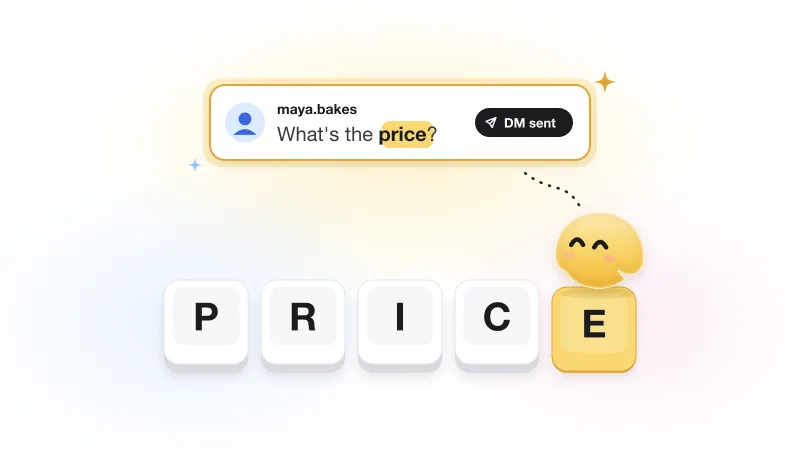
Instagram keyword automation: how to pick trigger words that actually fire
Why a keyword answers some commenters and ignores others, plus trigger-word ideas by niche that fire for the right people.
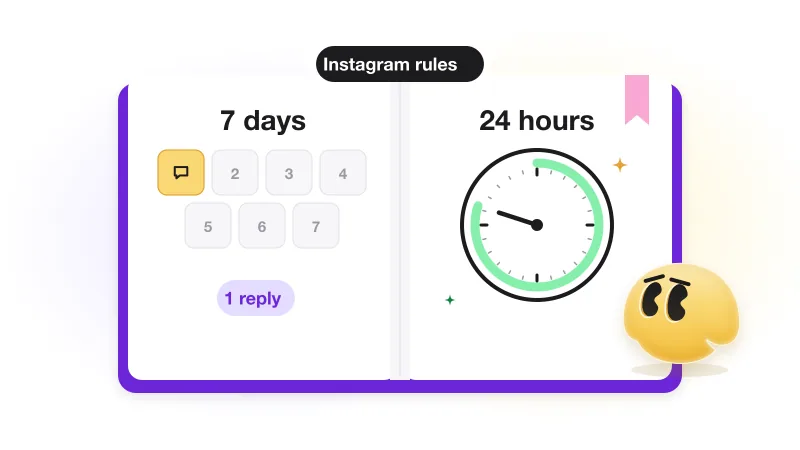
Does Instagram allow automated DMs? Meta's rules, windows and limits (with sources)
Every Meta rule behind automated Instagram DMs, with its source: 7 days, 24 hours, Requests, rate limits, follow status, content.
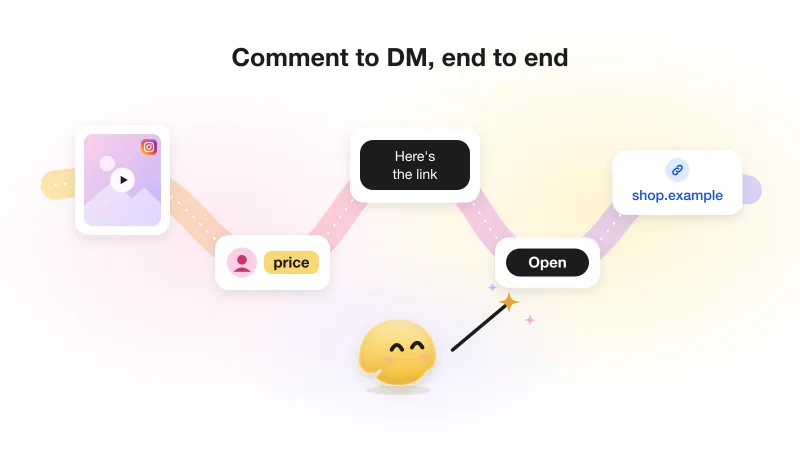
Instagram comment-to-DM automation: the complete guide (with Meta's actual rules)
The whole comment-to-DM chain on one page: Meta's rules with sources, the setup, the viral-day limit and what not to automate.