Instagram auto-DM not working? Diagnose it by symptom
Contents
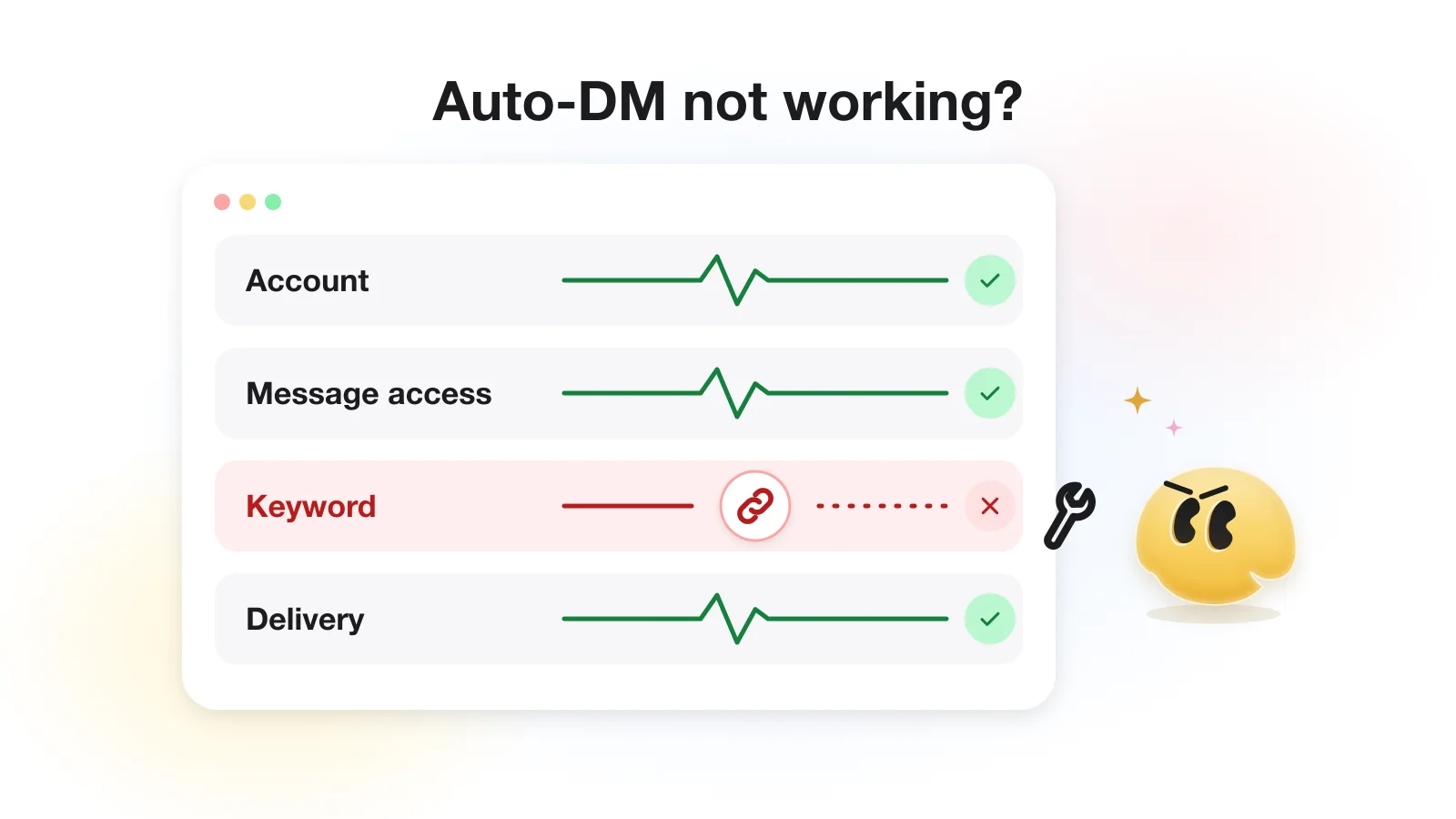
When an Instagram auto-DM "stops working", the cause is most often one of three things: the DM landed in the person's Requests folder, the comment did not match your keyword, or you tested by commenting from your own business account. A broken connection has its own, clearer symptom. Whether you use Manychat, GetChat or another tool, match what you see to a symptom below and you can rule most causes in or out in one short test.
The Instagram-side causes are the same in every tool on Meta's official API, so most of this guide applies whatever you use; where a step is specific to GetChat, it says so. If you suspect the tool itself, jump to it worked, then it stopped. For the setup itself, see the comment-to-DM guide.
Start with the symptom, not the settings
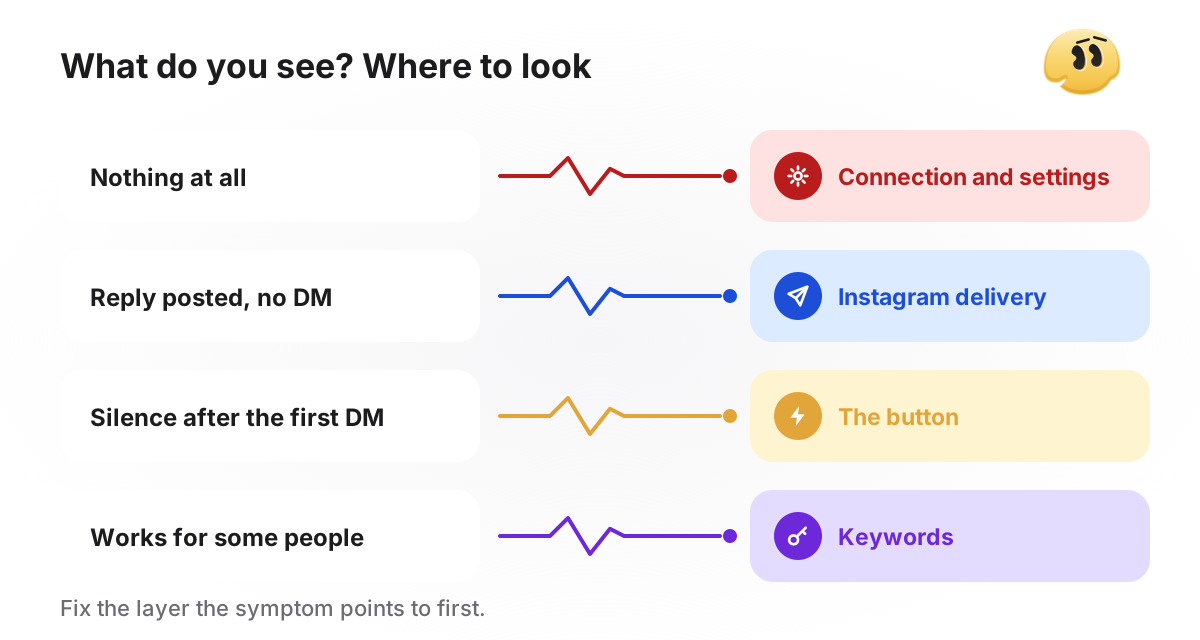
"Nothing happens" and "the reply shows but no DM arrives" point to different layers: the first is before your automation runs, the second is Instagram's delivery after it ran. Pick the line that matches what you see.
Symptom → likely causes → where to check
| What you see | Most common causes | Where to check |
|---|---|---|
| No public reply and no DM | paused or bound to another post; own-account test; Only once on a repeat commenter; a Live comment (GetChat ignores Live); not Professional; message access off; plan limit reached | automation status, Instagram settings, the tool's activity log |
| Public reply posted, DM missing | DM in Requests; a second tool used the reply; hourly limit; comment over 7 days old (not in GetChat) | the commenter's Requests folder |
| First DM arrived, then silence | no tap on the button; a typed reply instead of a tap; desktop Instagram hides the button; follow check; a reminder the plan does not send | the automation's messages |
| Works for some people only | typos, Exact match, look-alike letters, Only once | the keyword list and toggles |
Run a clean test from a second account
A frequent false alarm is a test comment from the business account itself. In GetChat this never fires, by design: comments written by the connected account are skipped, because the tool's own public replies arrive as comments too and would otherwise trigger the automation again. Other tools' guides disagree with each other on whether an owner comment triggers anything, so the safe test for any tool is the same: a second account.
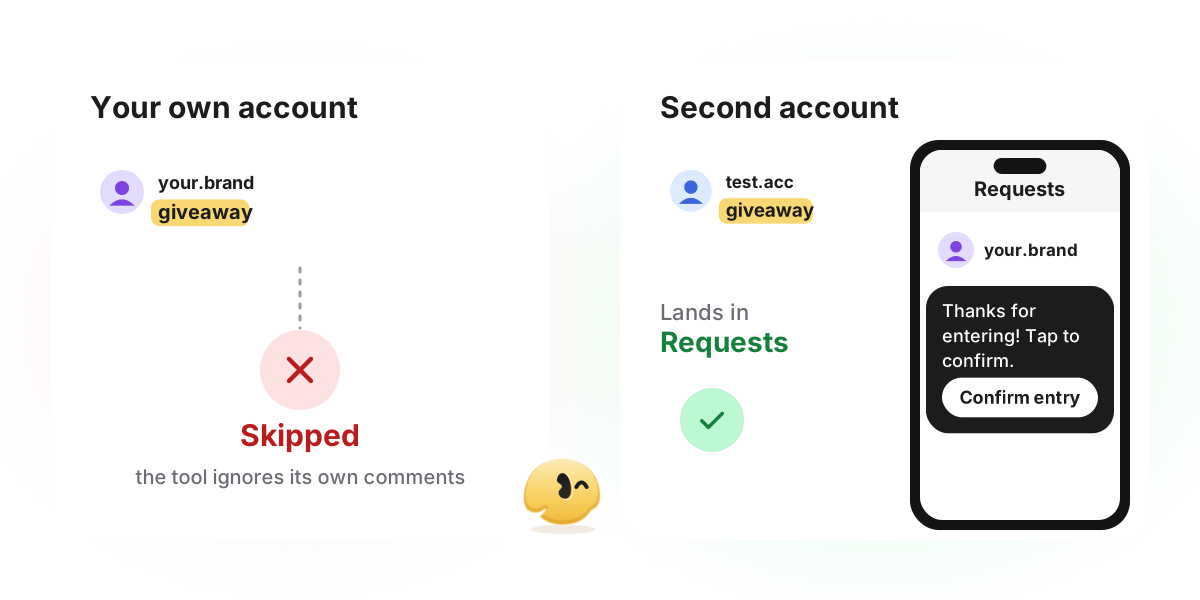
Use a second account
A friend's account or a spare one that does not follow the business, so you see what a new person sees.
Leave a fresh comment
On the post the automation is bound to. Type the keyword the way a customer would, inside a short sentence rather than alone.
Open Requests on the second account
A non-follower gets the DM in the Requests folder, not the main inbox. That is Instagram's routing, not a bug.
Tap the button in the DM
Only a tap moves the flow on. A typed reply reaches your Instagram inbox and is yours to answer.
Check the log
In GetChat that is Analytics → Activity log. A row for your test means the automation ran. No row means the problem is before the run: keyword, post, status or connection.
Symptom 1: no public reply and no DM
This is the only symptom where the connection is a real suspect, but rule out the simple things first.
- The automation is paused. A paused automation is silent. Check its status on its own page.
- It is bound to another post. An automation set to one post ignores your new posts. For an always-on setup, choose all posts.
- You tested from your own account. See the section above.
- This person already got a reply and Only once is on. The automation skips them completely, public reply included. On an All posts automation that also covers their comments on every other post, unless another automation matches.
- The comment was on a Live. GetChat does not receive Live comments at all: its comment trigger covers posts and Reels. If you use another tool, check whether its trigger list includes Live.
- The plan's allowance is used up. On GetChat's Free plan (300 automated conversations a month), no new conversation starts until next month, and the public reply is held back too, which is why nothing at all appears.
If all of that is fine and the log is empty, check the link to Instagram. First, the account type: comment automation through the API needs a professional (Business or Creator) account (Meta's requirements). If someone switched the account back to personal, every tool stops working on it.
Second, the message permission inside Instagram itself: Settings → Messages and story replies → Message controls → Connected tools → Allow access to messages. Meta's developer guide says this toggle must be on for tools to manage messages through the API (Meta setup guide). Most troubleshooting lists forget this switch, and it lives in the Instagram app, not in your tool. GetChat's setup instructions show both requirements step by step, with the most common connection errors.
Symptom 2: the public reply is there, the DM is not
A public reply means the automation ran. So the question is delivery on Instagram's side. Check the causes in this order. (Running a comment-for-link Reel? The flow it relies on is explained in sending a link from Reel comments.)
The DM is in Requests. Instagram puts a private reply in the main inbox only if the person follows you; everyone else gets it in the Requests folder (Meta, private replies). Requests are easy to miss, so the person says "nothing came". One line in your public reply fixes most of these complaints, for example "Sent you a DM, check your message requests".
Another tool used the reply. Instagram allows one private reply per comment. If two comment automation tools are connected to the same account, both may post a public reply, but only the first one's DM goes through and the second is refused. This is common right after a switch, when the old tool's automation is still live. Keep one tool per post.
The hourly limit kicked in. Meta caps private replies to post and Reel comments at 750 per hour per professional account (Meta rate limits). In GetChat a DM over the limit is not dropped at once: it waits in a send queue and is retried every 5 minutes for up to 24 hours. To the commenter that looks like a delay.
The comment is older than 7 days, or was deleted. A private reply must be sent within 7 days of the comment. Instagram refuses it for an older comment (Meta's rule) and, in practice, for a deleted one, and retrying cannot help. Tools that reply to old comments in bulk run into this. GetChat answers only comments that arrive while the automation is on, so the 7-day case does not happen there; a deleted comment can, if the person deletes it while the DM is still waiting in the queue.
Symptom 3: the first DM arrived, then silence
Usually nothing is broken here; this is how Instagram works. After a comment, a tool may send exactly one message. More can follow only if the person responds, and only within 24 hours of that response (Meta). A comment does not open that window; a tap or a typed reply does, but in GetChat only the tap continues the automation.
- Commentcount me in! GIVEAWAY
- Public replyCheck your DMs (or message requests) to confirm your entry.
- DMThanks for entering! Tap below to confirm your entry. [Button: "Confirm my entry"]
- DMAfter the tap: Entries count for followers only. Follow the account, then tap again. [Button: "Check again"]
- DMAfter the second tap: You're in. The winner is announced on Friday in Stories. [Link button: "Read the rules"]
- Nobody tapped the button. If the first message has no button, or the button looks optional, the conversation ends there. Make the tap the obvious next step.
- They are on desktop. The first button in GetChat is a quick reply, and Instagram does not show quick replies on desktop (Meta, quick replies). The person can only type, and a typed reply does not move the flow on.
- They replied with text instead of tapping. In GetChat only a tap on the button advances the flow. A typed reply opens Instagram's 24-hour window, but the automation does not answer it: it lands in your Instagram inbox, and you answer it by hand within those 24 hours. Desktop users always end up here, so check your inbox after a post that draws them.
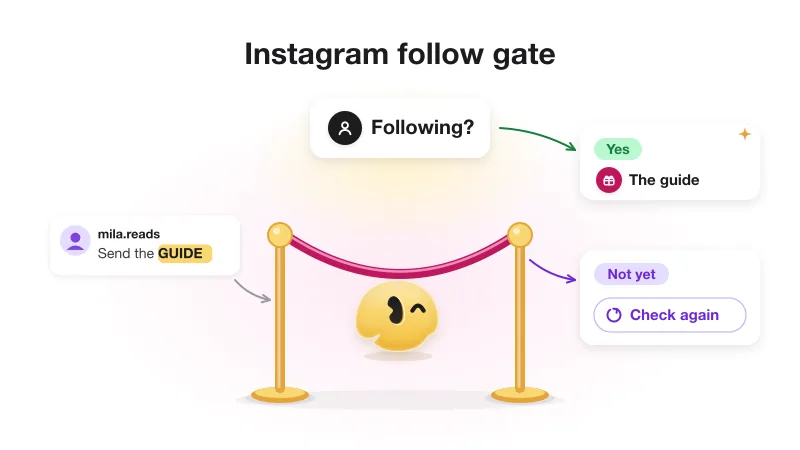
- The follow check is on. Instagram reports follow status only for someone who has messaged the account; in practice a tap on the reply button counts (Meta, user profile). Until then the status is unknown, and GetChat treats unknown like "not following": the person gets the "follow, then tap again" message. So the text must say exactly what to tap. More on this in follow check returns no status.
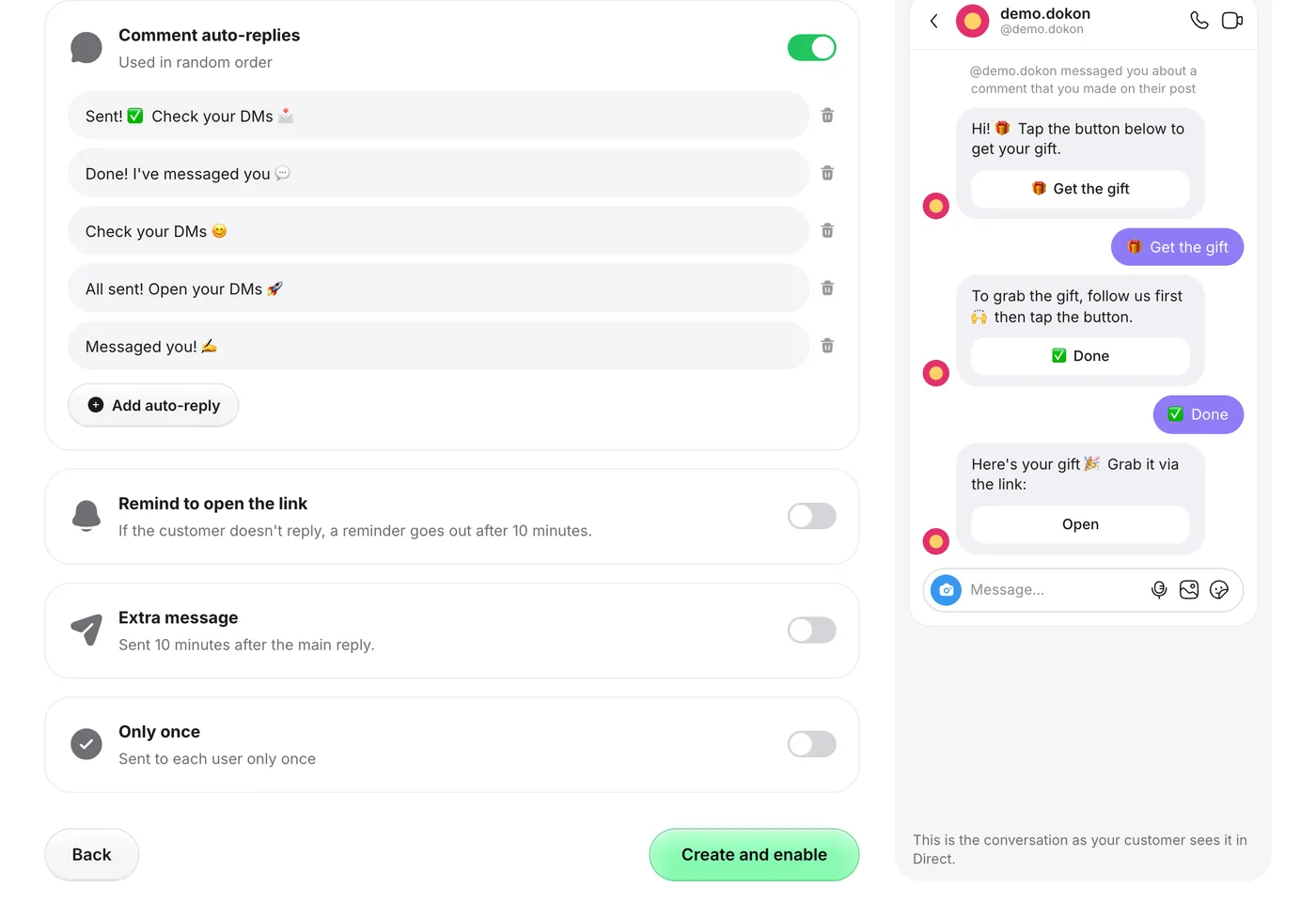
- You are waiting for a reminder. In GetChat, Remind to open the link and Extra message run only on Pro and Growth, which are marked "coming soon" and cannot be bought yet. On Free the toggles are visible, but those messages are not sent.
- There is a photo or video in the first message. GetChat never sends video or files in a private reply, and an image only as a card with a button; if Instagram rejects the card, the text and button go instead (Meta documents only text for private replies). Send photos or video after the tap; a PDF goes as a link button to the file.
Symptom 4: it works for some people only
If some people get the DM and others do not, the connection is fine. Keywords are almost always the reason. In GetChat matching ignores case, and by default a keyword fires when it appears anywhere inside the comment ("contains"). The Exact match checkbox fires only when the whole comment, with spaces trimmed from the ends, equals the keyword.
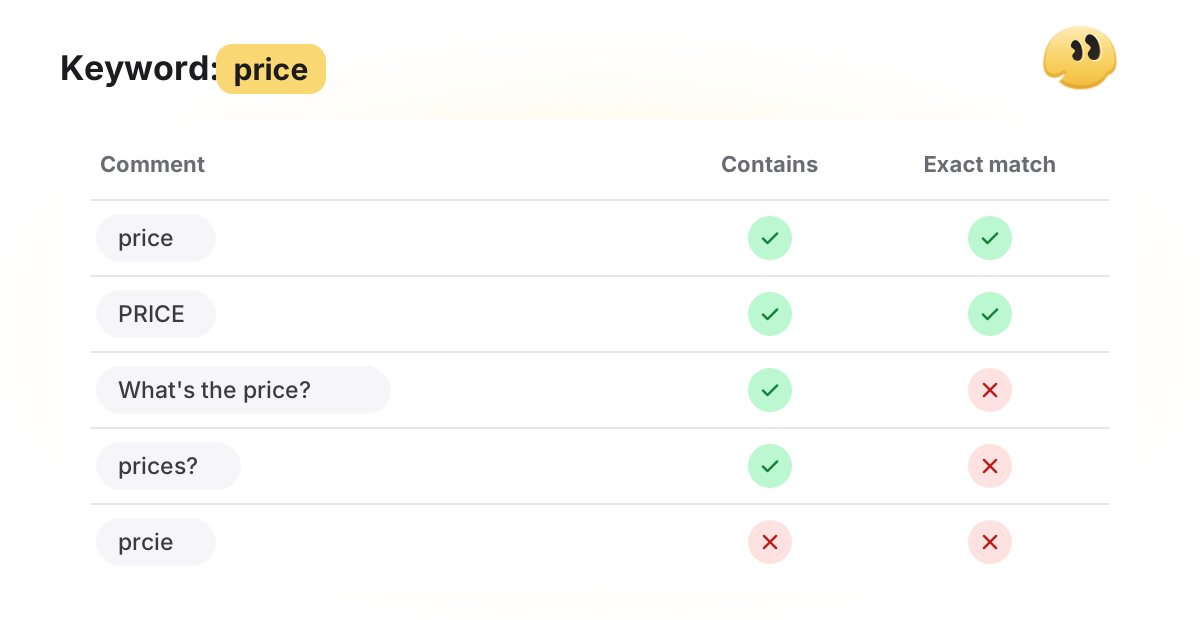
- Typos and other words.
pricewill not catch "prcie" or "cost". Add the variants people actually type as separate keywords (up to 30 per automation). See keyword matching mistakes for how to pick them. - Exact match is on. With it, "What's the price?" does not fire. Use it only when you ask people to comment one word and nothing else.
- Look-alike letters. A word typed in another alphabet can look identical and still differ. Add both spellings.
- A phrase instead of a word. In GetChat's wizard a space turns text into a separate keyword. The phrase "send link" becomes two keywords, and the automation fires on any "send".
- Only once. Without it, every new matching comment gets its own reply. With it, someone who already got the DM gets nothing on a second comment, on any post the automation covers. Right for a giveaway, confusing in a test.
- Two automations match. One comment runs one automation, even if several match.
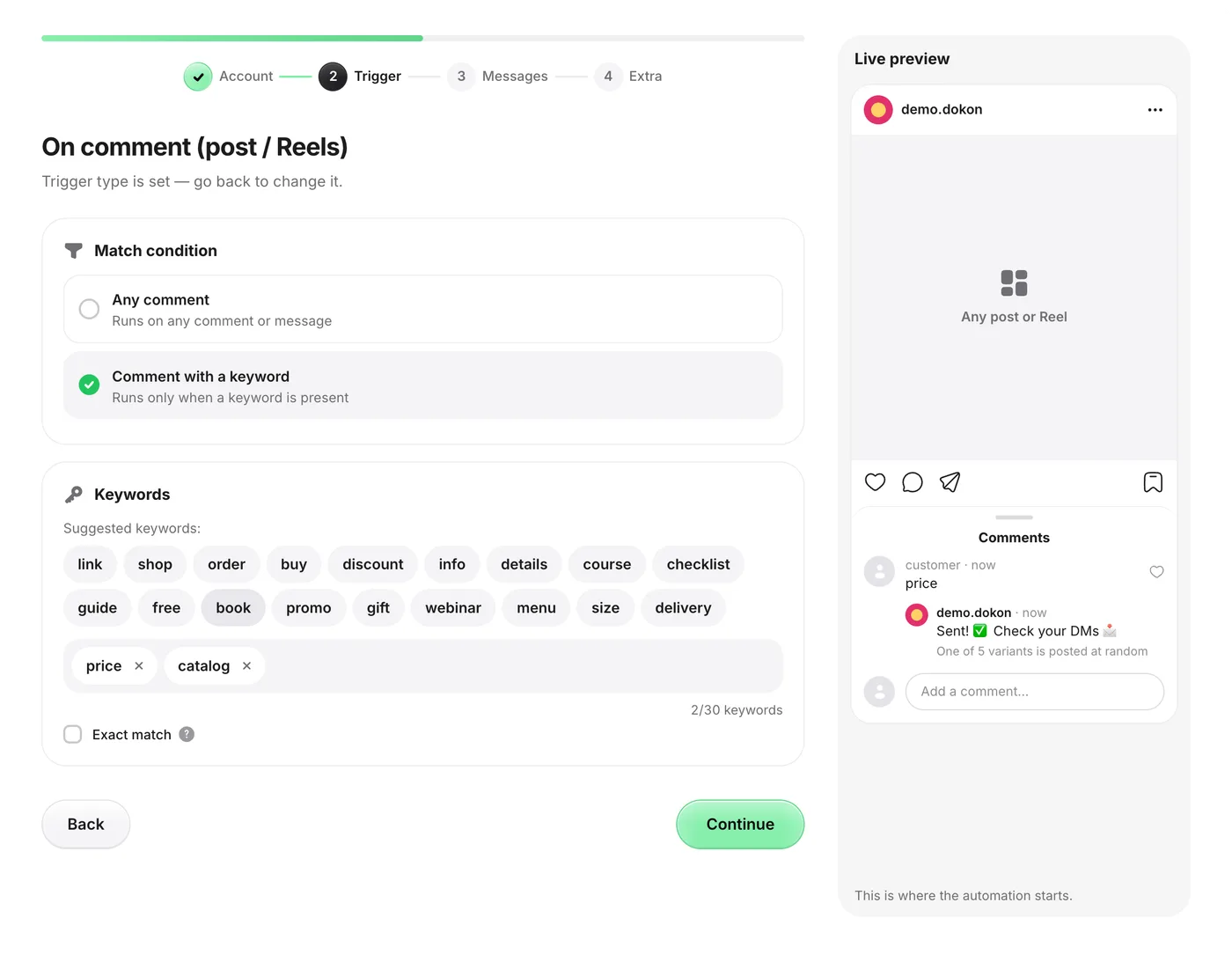
It worked, then it stopped: the tool or Instagram?
When Manychat, GetChat or any other tool "stopped working" after weeks of running fine, look for what changed, not for a setup error. Run the second-account test first. If the test comment gets nothing, check the tool itself before you blame Instagram:
- Is the automation still live and on the right post? A paused automation, an edit that was never published (in tools with a publish step), or a trigger bound to last month's post all look like an outage.
- Has the plan's allowance run out? Every tool counts something: Manychat's Free plan, for example, covers 25 active contacts a month (pricing page, checked 2026-10-20). Check your usage screen and what your plan does when you go over.
- Is the account still connected? If the tool asks you to reconnect, check first that the account is still Professional and that "Allow access to messages" is on, then reconnect.
- Are two tools connected? If you tried an alternative tool and left both on, only one can send the private reply to each comment. Turn one off.
If all four check out, the cause is on Instagram's side and the symptoms above apply. A post that suddenly took off is a common suspect: in GetChat, DMs over Meta's hourly cap wait in a queue and arrive late. Note that Manychat's own guide advises staying under about 1,000 DMs a day (Manychat guide). That is its best-practice advice, not a Meta rule; Meta's published cap is 750 private replies an hour for post and Reel comments.
What the activity log can and cannot tell you
In GetChat, Analytics → Activity log shows one row per automation run. DMs sent counts people who entered an automation; Leads collected counts those who reached the main reply.
"DMs sent" is a run, not proof of delivery. If a row exists but the person saw nothing, look at Instagram's side; GetChat's "Why a DM may not arrive" box lists the usual reasons: the 24-hour window closed, the follow check is on, or the hourly limit was reached.
No row means the automation never ran: go back to symptoms 1 and 4. If everything checks out and the log stays empty after a reconnect, write to support with the post link, the time of the test comment and the test account's handle.
Frequently asked questions
Why did my Instagram auto-DM stop working after it worked fine?
Something changed: a new post while the automation is bound to an old one, the monthly allowance ran out, a pause, "Allow access to messages" off, or a switch to a personal account.
Why do some commenters get the DM and others don't?
Check three things before keywords: Only once (people who already got a reply are skipped), the Requests folder (non-followers get the DM there and miss it), and desktop users who cannot see the tap button. If those are fine, it is keyword matching; see keyword matching mistakes.
Can I test the automation by commenting from my own account?
Not in GetChat: comments from the connected account are skipped so the automation never triggers itself. Other tools describe this differently, so for any tool the reliable test is a second account.
Will reconnecting the account fix it?
Yes, if access was lost after a settings change or a revoked permission. No, if the account is personal (switch it to professional first), if the keyword is wrong, or if the DM is sitting in Requests.
Will the automation reply to comments left before I turned it on?
No. It reacts to new comments, and Instagram refuses a private reply to any comment older than 7 days. Answer older questions by hand.
Why is Manychat not working on Instagram?
Start with a test comment from a second account. If nothing arrives, check the tool side (is the automation live, is the plan allowance used up, is the account still connected, is a second tool also connected) and then the Instagram side, which is the same for every tool: a personal account, "Allow access to messages" off, DMs in Requests, comments older than 7 days.
Sources
- Meta — Private Replies (one message per comment, 7 days, Inbox vs Requests, 24 hours after a response, requirements)
- Meta — Instagram Messaging API (24-hour window, Requests folder)
- Meta — Rate limiting (750 private replies per hour to post and Reel comments)
- Meta — User Profile API (follow status needs the person to message first)
- Meta — Instagram messaging setup (Allow access to messages for connected tools)
- Meta — Quick replies (not available on desktop)
- Manychat pricing (Free plan allowance, checked 2026-10-20)
- Manychat blog: Instagram quick automation guide (DM volume advice, read 2026-10-20)
Keep reading
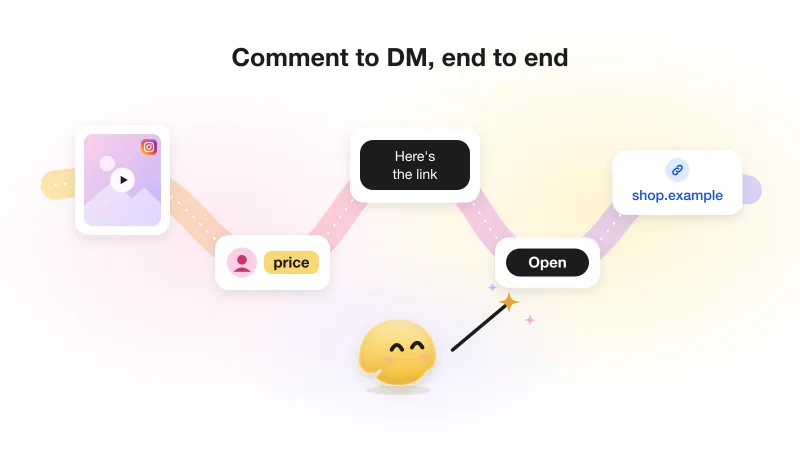
Instagram comment-to-DM automation: the complete guide (with Meta's actual rules)
The whole comment-to-DM chain on one page: Meta's rules with sources, the setup, the viral-day limit and what not to automate.
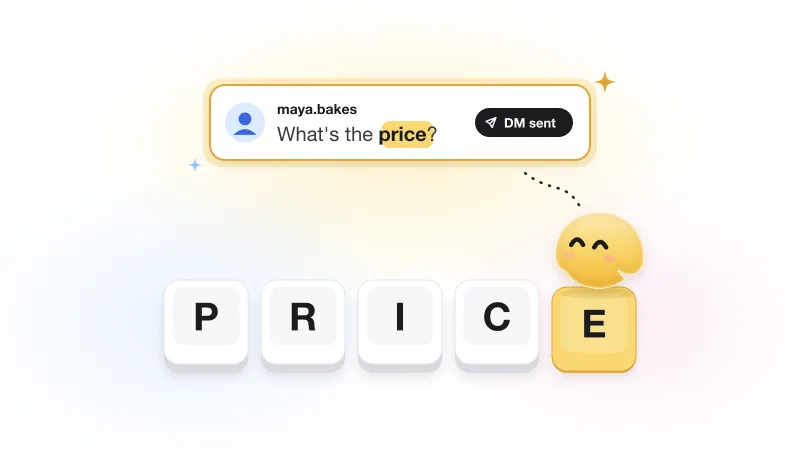
Instagram keyword automation: how to pick trigger words that actually fire
Why a keyword answers some commenters and ignores others, plus trigger-word ideas by niche that fire for the right people.
Instagram follow gate: how "follow to get the link" works (and when not to use it)
Why a follow gate can only check after a tap, the three answers Instagram gives, repeat visitors, and when gating costs a sale.